
Slots
Check the game detail panel for studio return data, volatility labels where supplied, and feature rules before starting a reel session.
Aviator, Immersive Roulette, Live Baccarat and sportsbook markets sit on one mamibet home screen, with Touch 'n Go, GrabPay, Boost dan FPX close to…
Access is only available where local law permits.


The home screen places slot rooms, live tables, fishing titles and sportsbook cards beside your wallet and support entry points.
Pragmatic Play, PG Soft and Microgaming appear beside other studio names so you can recognise the rooms before entering.



Explore promotions across slots, live dealer and fishing games. Terms apply.
Open your account
Member promotions for football, esports and live in-play markets. Terms apply.
Open your accountYour wallet choices are shown from the home account area, not hidden deep in a cashier menu.
Create your free account in under a minute.
Top up with your preferred local payment method.
Pick from slots, live casino, sports and more.
Enjoy fair play with instant results.
Cash out quickly to your account.
Some home areas deserve a quick look before you enter a table or slot room. We place practical pages near the lobby so you can confirm account rules, wallet movement…
Start with the home screen, then move into the account panel when you are ready.
Support is part of the home flow because account and wallet questions often happen before you enter a room. Use live chat for quick checks, email for longer account cases, or mobile help when you are moving between screens. Give clear details so the team can find your request faster.
Use chat when you need a quick account or wallet status check. Keep your username ready and avoid sharing private passwords in the conversation.
Email works better for longer cases, screenshots and follow-up. Include transfer time, payment name and the room or account area involved.
The mobile menu keeps help close to the lobby. Use it when a table stream stalls, a game card fails or login needs checking.
The mobile home screen loads the same account, wallet and game room paths in a narrower layout.
Seamless on phone, tablet and desktop — no download required to start.
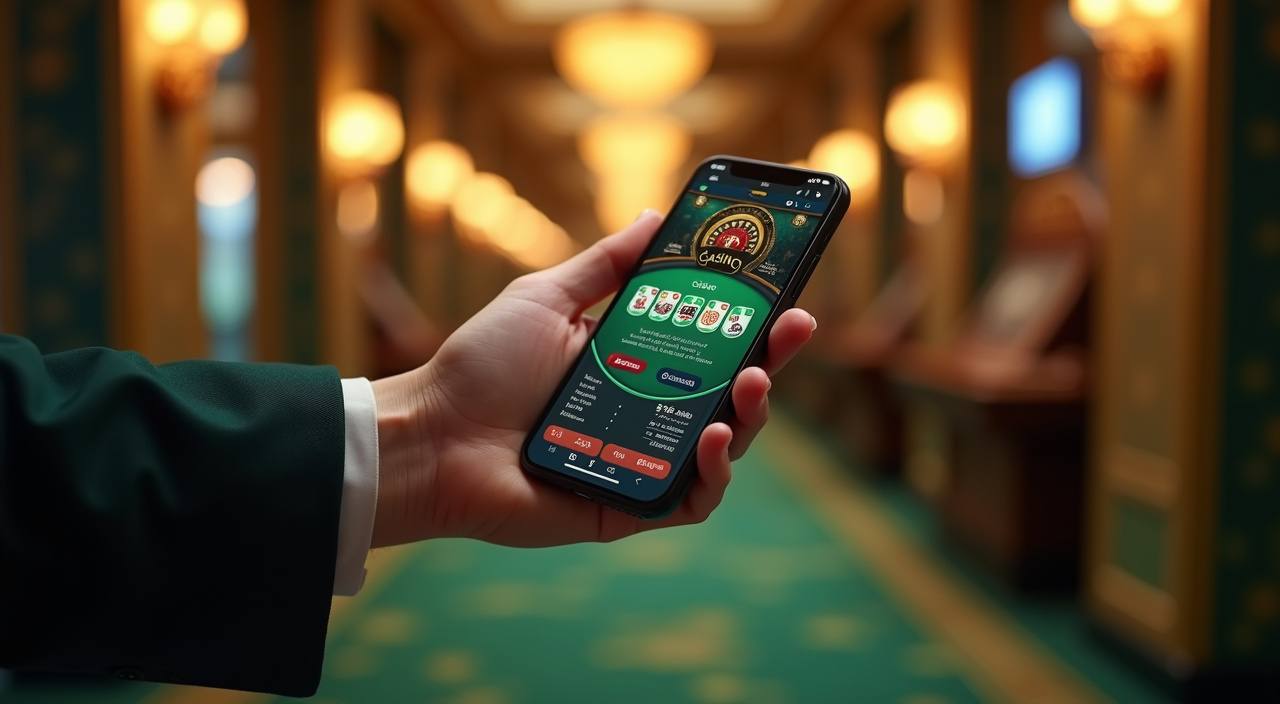
We design the home page around controlled access, clear wallet movement and visible support. Login sessions are monitored, account changes may require confirmation, and withdrawal requests can be checked before release.
Searching across scattered channels can leave you unsure which account link, wallet step or game room is current.
| Account access | One home button starts the account path, while scattered links may send you through old forms or unclear pages before you reach login. |
|---|---|
| Wallet view | The account wallet shows local transfer status in one area. Separate messages and screenshots can make it harder to track the latest request. |
| Game entry | Lobby cards show slots, live tables and fishing rooms in context. Random links often skip studio names, rules or current room status. |
| Support contact | Help routes sit near the issue you are checking. That reduces repeated explanations when your question involves login, wallet or room access. |
| Mobile use | The same home structure appears on smaller screens. You do not need to relearn the menu when switching from one device to another. |
| Policy checks | Relevant terms are linked near account and wallet actions. Scattered pages can separate the rule from the step it affects. |
Return figures vary by title, studio and game type, so the home page does not flatten every room into one claim.
Check the game detail panel for studio return data, volatility labels where supplied, and feature rules before starting a reel session.
Live tables follow table rules, commission settings and round timing shown by the studio. The table card helps you confirm the room first.
Roulette returns depend on wheel type and bet area. Read the table rules before placing chips on inside or outside spots.
Crash titles such as Aviator use multiplier rounds and auto cash-out tools. Settings can affect how you manage each short round.
Fishing rooms rely on weapon values, targets and shared screens. Read the room rules because return behaviour differs from standard slots.
We shape the home page for Malaysia, with local wallet names, English copy for Malaysian readers and mobile layouts that suit everyday connections. Access still depends on local law and is available where local law permits. If you travel or your network location changes, account access, wallet options or room availability may change until checks are complete.
The home page should show its working parts without making you guess. We keep visible markers for game type, studio name, wallet route, account status, mobile access and support.
These answers focus on the mamibet home page and the first decisions you make there. Use them to understand account entry, wallet placement, lobby rooms, mobile access and help routes before moving deeper into the site.
Use the home page like a starting map. First, check account access and wallet status. Next, scan the room cards by game style. Then open support if anything looks unclear.
Confirm your login and profile prompts before entering rooms. It saves time if a wallet action or support check needs account details.
Check whether Touch 'n Go, GrabPay, Boost dan FPX are available in your account area and read any status message shown.
Choose a room by style, not only by title. Live tables, slots, crash games and fishing rooms behave differently.
If a label, transfer or room card seems unclear, contact us from the same page so the support team sees the right context.